
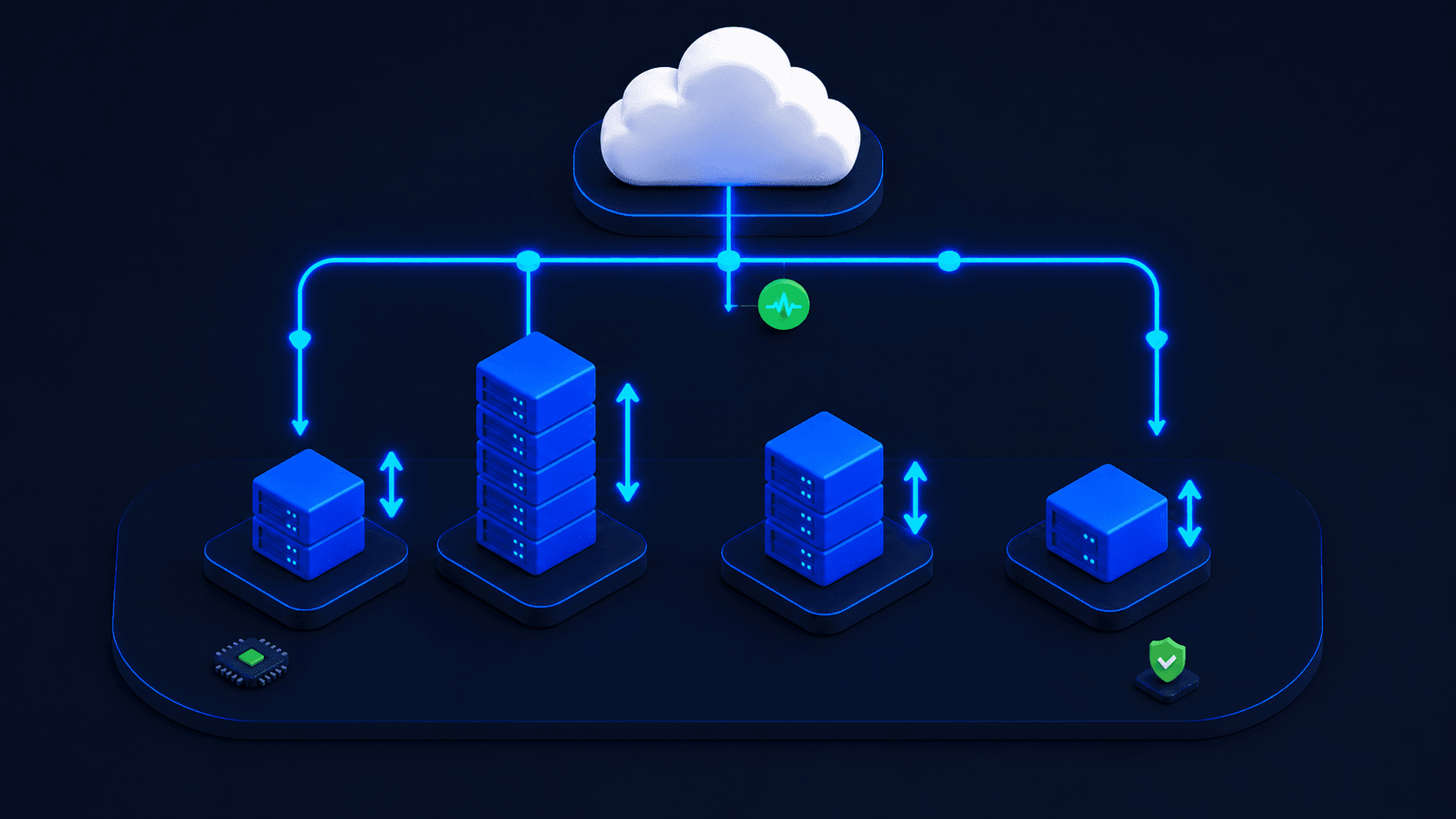
Most Control Plane customers cut their compute bill 30–50%.
Those results are based on two distinct autoscaling systems — Capacity AI for autonomous right-sizing, and KEDA for event-driven scaling — and a year of releases that turned both into something you can run aggressively in production. This post walks through both, then explains how they fit together.
Spoiler alert: cloud bills are mostly idle headroom
Industry data is consistent. Most allocated cloud CPU and memory goes unused. Typical utilization sits in the 20–40% range, meaning the majority of what you provision is paid-for-but-idle headroom you carry 24 hours a day. The reasoning seems sensible — operators size workloads for peak with a safety margin because under-sizing means crashes — but the cumulative cost across every workload is enormous.
Closing the gap between what’s provisioned and what’s used requires attacking both dimensions of “how much capacity is allocated” at once. The vertical dimension: each pod’s CPU and memory matched continuously to actual usage. The horizontal dimension: replica counts that respond to actual demand, including dropping to zero when there’s nothing to do. Most autoscalers do one half well and the other half poorly.
Control Plane shipped improvements for both halves this year. Capacity AI handles the autonomous side. KEDA handles the configurable, event-driven side, including scale-to-zero.
Part one — Capacity AI
Capacity AI is Control Plane’s continuous, autonomous right-sizer. It watches what each workload actually uses, minute by minute, and adjusts the allocation toward demand with a small safety buffer. It works on both dimensions — replica count and per-pod CPU/memory — without operators having to define thresholds.
Until 2025, Capacity AI was a useful feature with limits. Five releases between May 2025 and April 2026 turned it into a production system you can trust to run aggressively.
May 2025 — Quantization
Capacity AI’s recommendations used to wiggle constantly: 487 millicpu one minute, 503 the next, 491 the next. Every wiggle was a recalculation and potentially a restart. Quantization rounds recommendations to sensible buckets (500m, 600m, 700m) so allocations only change when there’s a real, durable shift in usage. Production stability improved noticeably.
June 2025 — Multi-metric support
Originally Capacity AI looked at one metric at a time, typically CPU. But many workloads’ real demand isn’t captured by CPU alone — a request-heavy API is bottlenecked by requests-per-second, an in-memory cache by memory. Multi-metric support lets Capacity AI consider CPU and RPS, or CPU and memory, simultaneously and right-size against the binding constraint.
October 2025 — Per-workload tunable cadence
Each workload can now have its own Capacity AI update cadence. A bursty API might want adjustments every minute. A batch worker might want them every 15 minutes so short-lived spikes don’t churn the allocation. Operators got the dial.
March 2026 — Stateful workloads and in-place resizing
The biggest leap. Capacity AI now works on stateful workloads — databases, caches, queues, anything with persistent state or warm in-memory data — and its adjustments happen in place, with no pod restart.
In-place resizing matters because changing a pod’s CPU or memory limit used to mean killing the pod and starting a new one. For stateless workloads that’s annoying. For stateful workloads it’s much worse: lost in-memory caches, volume re-attach orchestration, replication catch-up, dropped connections. The standard practice was to over-provision stateful workloads at deploy time and never touch them. In-place resizing changes that. The kernel adjusts cgroup limits underneath the running container — the cache stays warm, the connections stay live, the disk stays mounted.
April 2026 — Further stateful improvements
Polish and reliability on the March release. The system is now mature enough to recommend turning on by default for new workloads.
Part two — KEDA
Capacity AI handles autonomous right-sizing well, but there’s a category of workloads it can’t fully optimize on its own: anything driven by an external queue or event stream.
Picture a worker pool that pulls jobs off an Amazon SQS queue. The right signal for “how many workers do we need” isn’t CPU on the existing workers — it’s the depth of the queue. If 10,000 jobs land and you have one worker, CPU is high and any CPU-based autoscaler will add pods, but by the time it reacts the queue has been backing up for minutes. CPU is a lagging indicator for queue-shaped work.
KEDA — Kubernetes Event-Driven Autoscaling — is the solution. It’s an open-source CNCF project that lets the autoscaler look at external metrics, not just pod metrics, when deciding how many replicas to run. It’s the configurable counterpart to Capacity AI’s autonomy: operators define the triggers and the thresholds, KEDA scales accordingly.
June 2025 — KEDA introduced with four trigger types
Control Plane shipped KEDA support with four trigger sources:
- Prometheus — query any metric you’re already collecting
- Redis — list length, stream length
- AWS CloudWatch — any AWS metric
- AWS SQS directly — message count
Workloads that don’t autoscale well on CPU — queue workers, batch processors, inference services that read from a backlog — finally got a signal that reflects real demand.
July 2025 — Trigger authentication
Secrets can be passed safely to KEDA triggers via the platform’s secret management. Cleaner for production deployments.
August 2025 — Scale-to-zero
The killer addition. With KEDA’s scale-to-zero, a workload can drop all the way to zero replicas when there’s no work to do. A nightly batch job that runs 90 minutes and is idle for the other 22.5 hours pays for 90 minutes instead of 24 hours. An AI inference endpoint that sees zero requests overnight pays nothing overnight.
For workloads on expensive hardware — GPU inference at $1–4 per hour is the obvious case — going to zero during idle hours is a category-changing cost shift.
September 2025 — Enhanced authentication
Multiple auth types and TriggerAuthentication resource linking. Useful for complex environments with multiple secret stores or identity providers.
The cold-start tradeoff
One nuance worth knowing. Going from zero pods to one isn’t instant. The first pod has to boot, pull its container image, do its startup, and then process the message. That’s anywhere from 5 seconds (small image, warm host) to 60+ seconds (large image, especially GPU). For a customer-facing real-time API, that latency may be unacceptable — set min replicas to 1 instead of 0 and accept the floor cost. For background workers, batch jobs, and async inference where a 30-second cold start is fine, scale-to-zero is a clean win.
How the two systems fit together
The simple mental model: KEDA decides how many pods you should have running, based on signals you choose. Capacity AI continuously right-sizes the pods you already have running, autonomously. They work together — KEDA might scale up to 50 replicas to drain a queue, and Capacity AI keeps each of those 50 replicas at the right CPU and memory allocation in place. Or KEDA might scale to zero during idle hours, eliminating a floor cost Capacity AI couldn’t address on its own.
Together, you pay for what you actually use, in both dimensions — with the autonomous half doing what it can on its own and the configurable half handling the rest. That’s the mechanism behind the 30–50% claim.
Customer proof points
- SAFE Health (health tech): 75% lower AWS spend, multi-region zero-trust diagnostics, scale-to-zero on inference
- Jora AI (legal tech): ~60% lower cloud bill
- Qualifi (HR tech): 90% lower server costs
- Minga (K-12 EdTech): 30–40% lower compute across school-day load patterns
Try it
Both systems are configured per workload, through any of Control Plane’s five symmetric interfaces — UI, API, CLI, IaC, or MCP. See the workload reference for the autoscaling controls. Starting point for new workloads: enable Capacity AI with multi-metric (CPU + RPS), add KEDA triggers if the workload is queue-shaped, set scale-to-zero on anything with clear idle periods. Let it run for two weeks against your real traffic.
Further reading
• Workload reference (autoscaling, Capacity AI, KEDA)
• Release notes, May 2025 (Capacity AI quantization)
• Release notes, June 2025 (multi-metric + KEDA introduced)
• Release notes, August 2025 (KEDA scale-to-zero)
• Release notes, October 2025 (per-workload Capacity AI cadence) • Release notes, March 2026 (Capacity AI stateful + in-place)